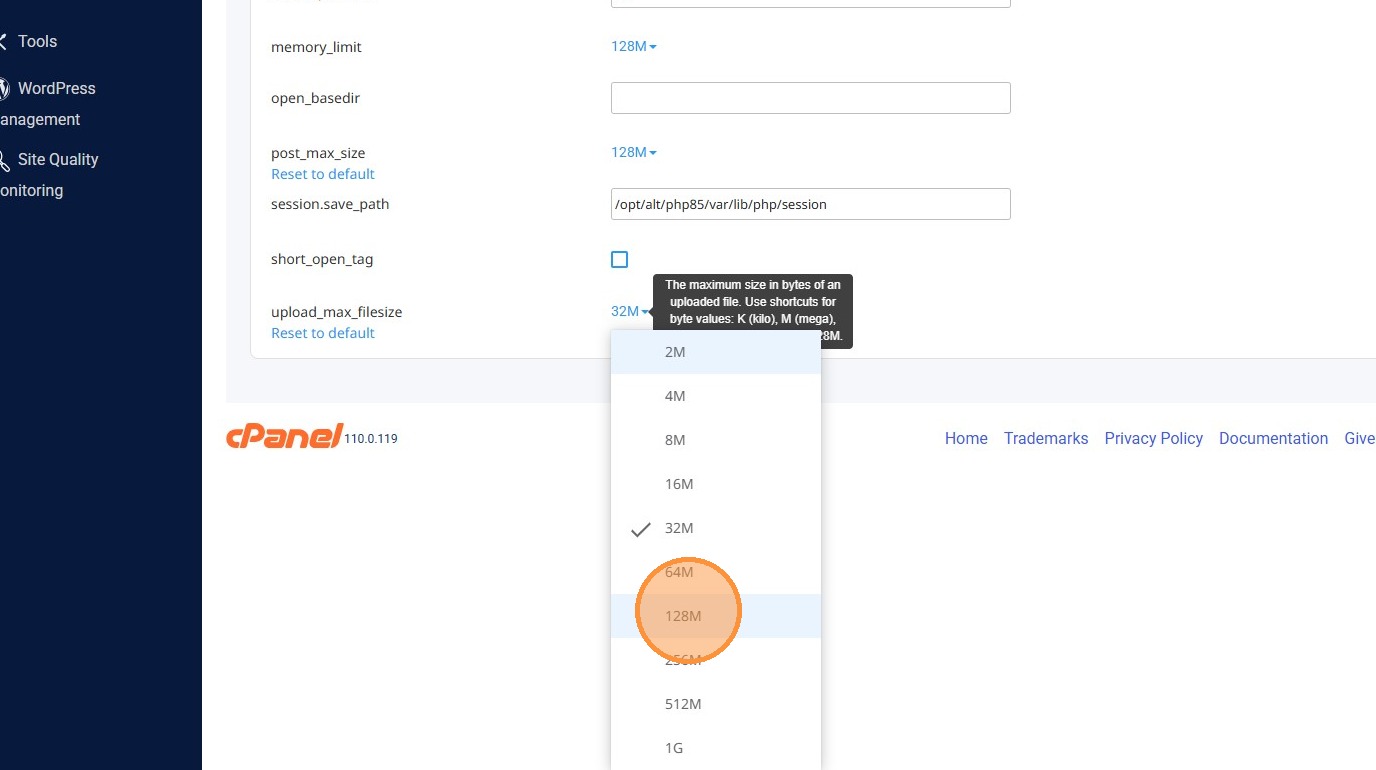
Learn how to easily adjust the max upload size for your PHP environment through the cPanel interface. This guide walks you through navigating the Select PHP Version tool to optimize your website settings for better performance.
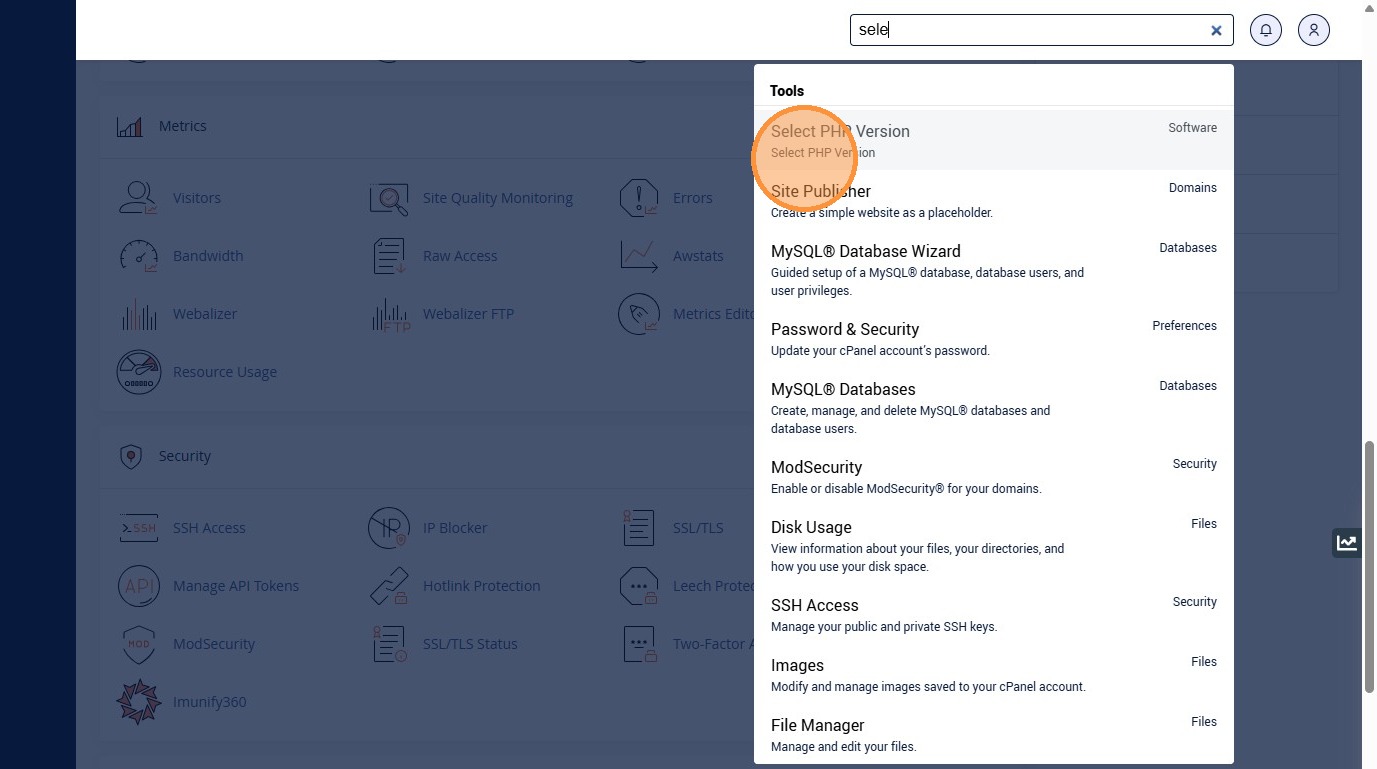
1. In cPanel: Click "Select PHP VersionSelect PHP Version"
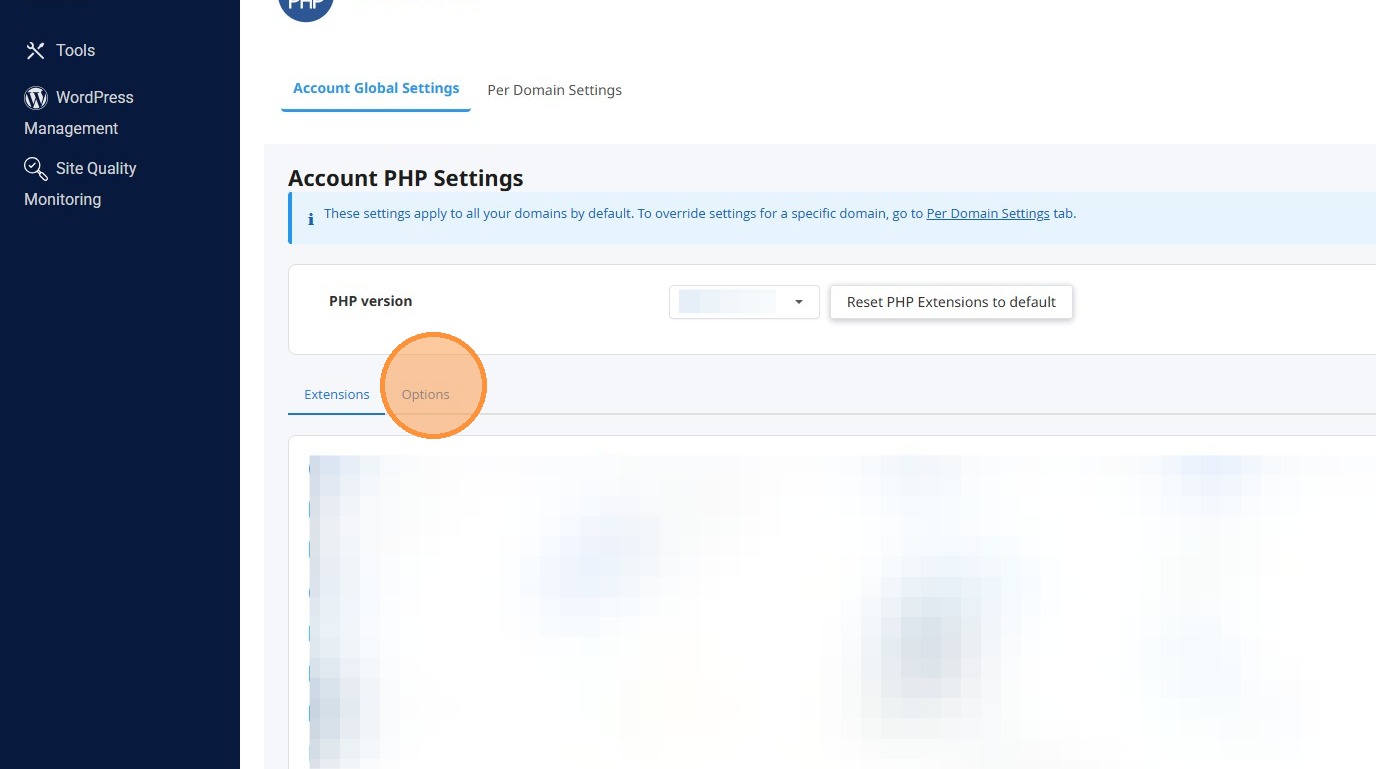
2. Click 'Options' tab
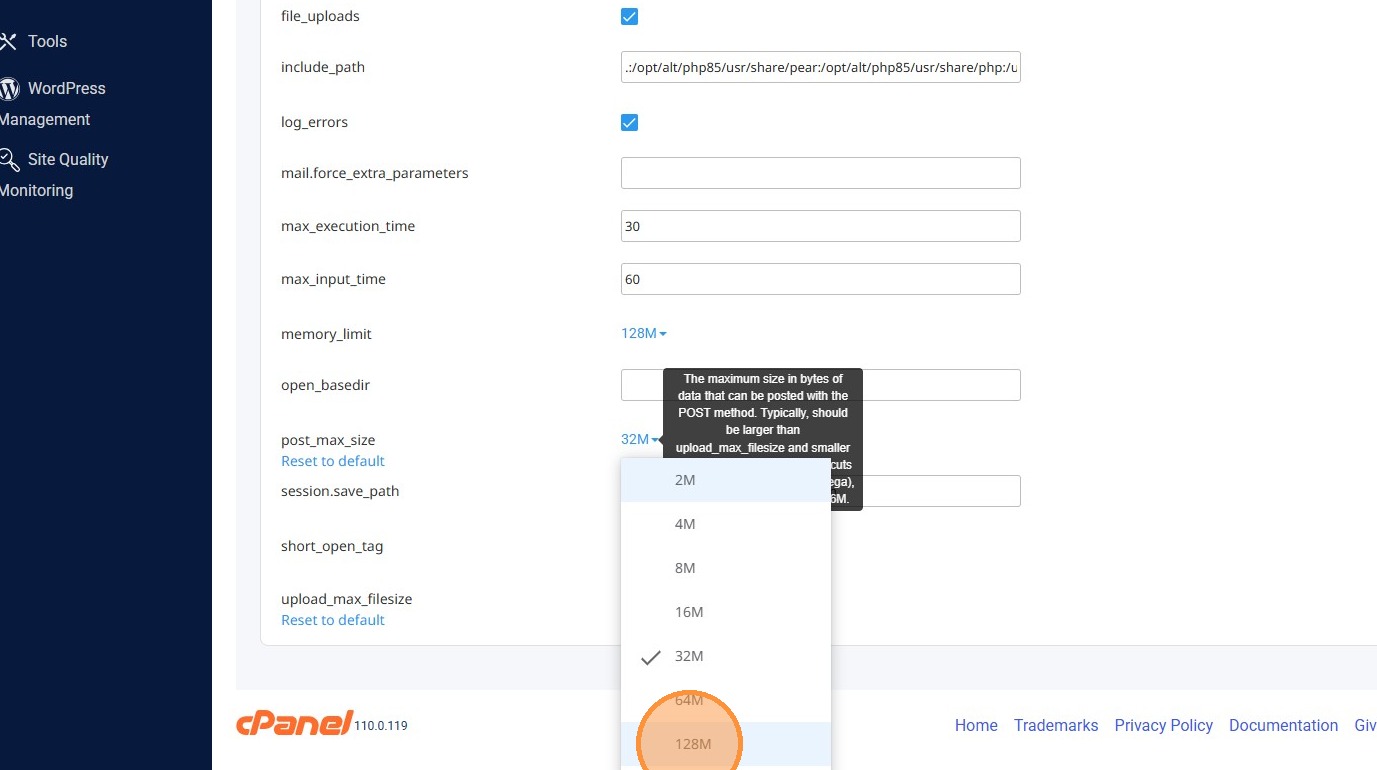
3. Set 'post_max_size' to '128M'
4. Set 'upload_max_filesize' to '128M'